
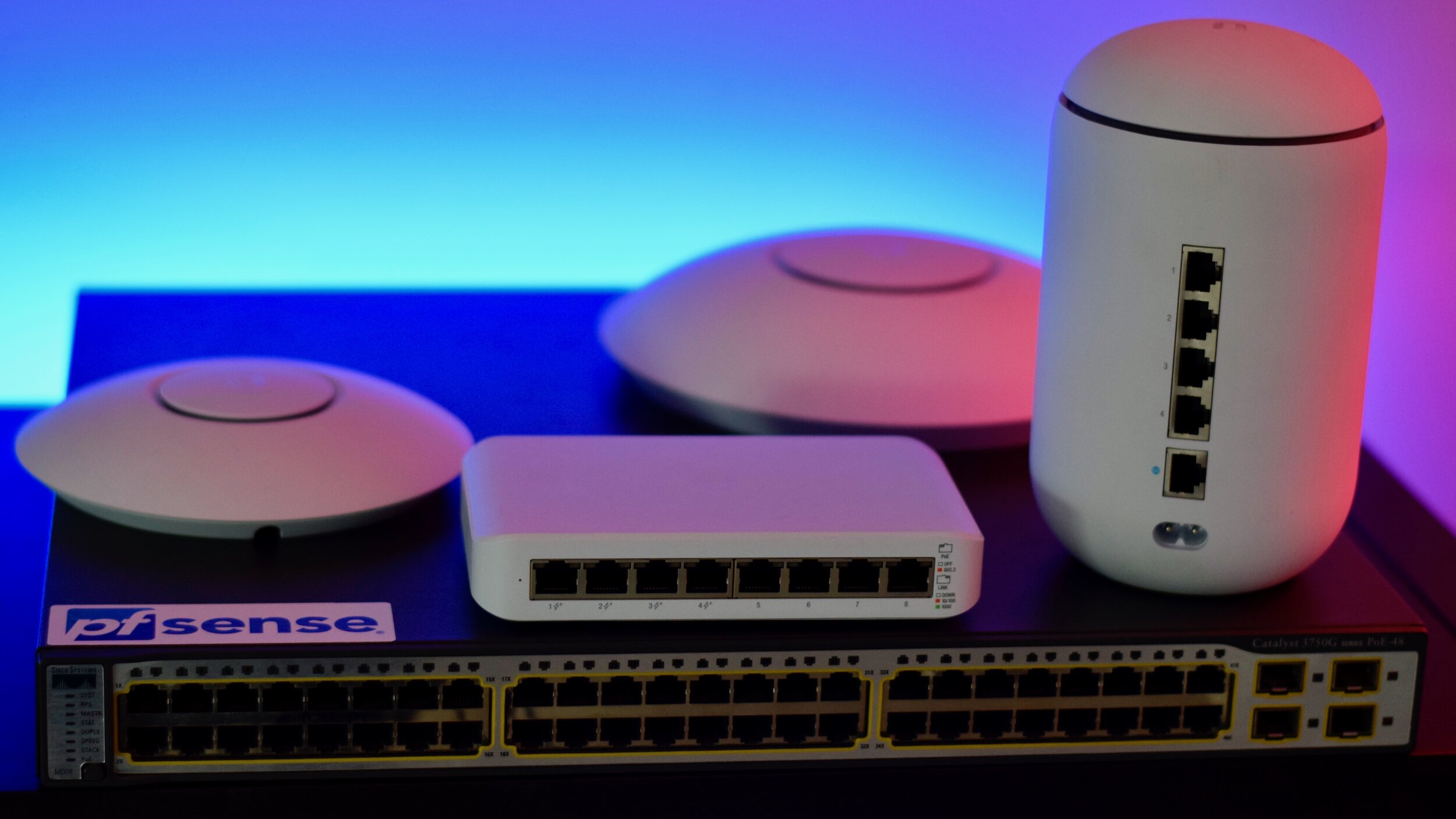
Building a home lab can be an exciting and rewarding experience for tech enthusiasts and IT professionals alike. However, a home lab is only as good as the networking equipment that supports it. From routers and switches to access points and modems, the right networking gear is essential to creating a reliable and efficient home lab. In this post, we’ll explore the various types of networking equipment that home lab hobbyists should consider, as well as some of their features and use cases. Whether you’re just getting started or you’re looking to upgrade your existing home lab, this guide will help you make informed decisions about the network equipment you need to achieve your goals.
Networking Equipment – Overview:
Networking equipment is another important consideration when it comes to building a home lab environment. As servers are considered to be the backbone of an IT infrastructure, then the networking equipment can be thought of as the central nervous system. At a minimum, you will need a router to connect your home lab to your network. Though it is also recommended, depending on the equipment, to pick up a switch to connect all of your devices within your home lab environment together. In addition to switches and routers, you may also want to consider adding access points to extend the coverage of your wireless network and modems to connect your home lab to your internet service provider. Here is a brief overview of the networking equipment we will talk about in more detail within this post:
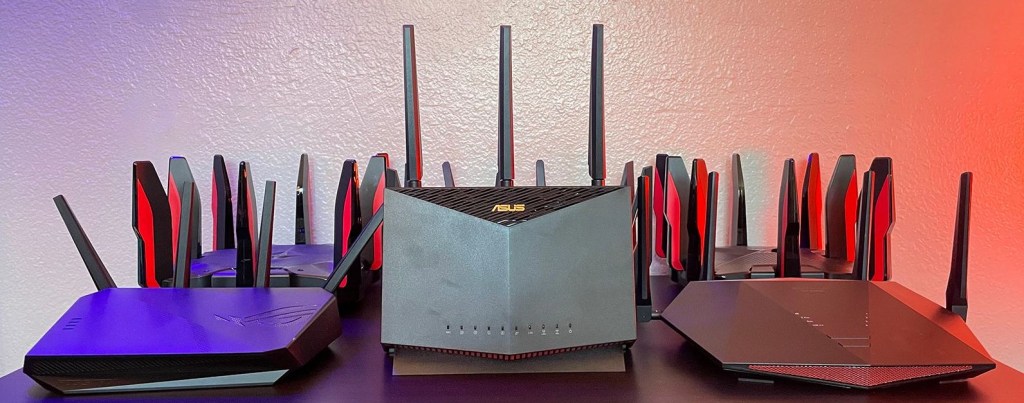
- Routers are networking devices that are responsible for directing traffic between different networks. They act as a gateway for devices in your home lab to access other devices on your local internet, as well as to access the internet. When choosing a router, consider the features you need to support your environment: such as Quality of Service (QoS) settings, Virtual Private Network (VPN) support, and custom Domain Name Service (DNS) settings. Some routers also have built-in firewalls for added security.
- Switches are networking devices that allow you to connect multiple devices together to form a local network. They act as a central hub for devices to communicate with each other, and can be used to support a variety of network topologies such as star, mesh, and tree. When choosing a switch, consider whether you need a managed or unmanaged switch, and whether you need support for advanced features such as Virtual Local Area Network (VLAN)s and QoS settings.
- Access Points (APs) are devices that allow you to extend the range of your wireless network. They can be used to provide wireless coverage to areas of your home that are too fat away from your router. When choosing an AP, consider the coverage area you need and the wireless standard you want to use. Popular standards include (at the time of this writing) the older 802.11n, the current 802.11ac, and the newest 802.11ax (also known as Wi-Fi 6).
- Modems are devices that allow you to connect your home lab to your internet service provider. They come in two main types: Cable modems and Digital Subscriber Line (DSL) modems. Cable modems are used with cable internet service, while DSL modems are used with DSL internet service. When choosing a modem, make sure to check with your internet service provider to ensure that the modem is compatible with their network.
Networking Equipment – Details:
Routers
It’s important to consider the features that you need to support your home lab environment when choosing a router. A basic router may be easy to set up and sufficient for some users, but if you want more advanced features like QoS settings, VPN support, or the ability to configure custom DNS settings, you’ll need to choose a more advanced router.
While some of these settings can also be configured through your server’s operating system, having a router that supports these features cut down on implementing them through the server. For example, a router with QoS settings can help you prioritize certain types of traffic, such as video streaming or online gaming, to ensure a smooth and uninterrupted experience. Similarly, a router with VPN support can enable you to securely access your home network from anywhere, while custom DNS settings can help you to bypass ISP-level DNS filtering and improve your overall internet performance.
Keep in mind that while you can achieve some of these features through your server, having a dedicated router with these features can simplify your setup and provide a more robust solution.
Switches
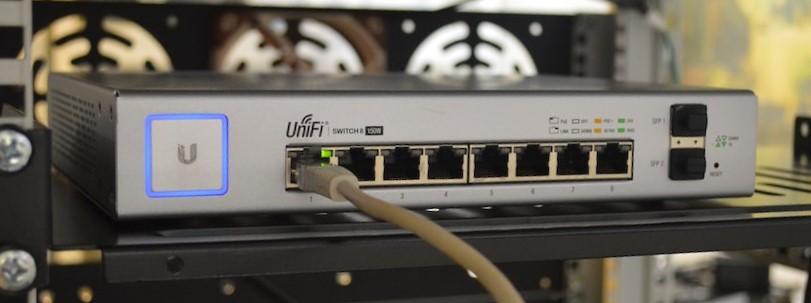
There are different types of switches, including unmanaged, managed, and smart switches:
- Unmanaged Switches are the simplest and most basic type of switch. They provide basic connectivity and do not have any advanced features or configuration options, such as VLANs, QoS, and port mirroring.
- Managed Switches on the other hand, offer more advanced features and configuration options, such as VLANs, QoS, and port mirroring. Additional features worth mentioning on unmanaged switches are remote management capabilities, Spanning Tree Protocol (STP), and Link Aggregation Control Protocol (LACP).
- Smart Switches are a middle ground between unmanaged and managed switches. They offer some advanced features, such as VLANs and QoS, but are easier to set up and manage over managed switches.
When choosing a switch for your home lab, consider the number of devices you need to connect, the type of ports (I.E., Gigabit Ethernet or 10 Gigabit Ethernet), and any features or protocols that are important for your specific use case. Switches can range from basic unmanaged switches to advances managed switches with a wider variety of features and capabilities.
Access Points (APs)
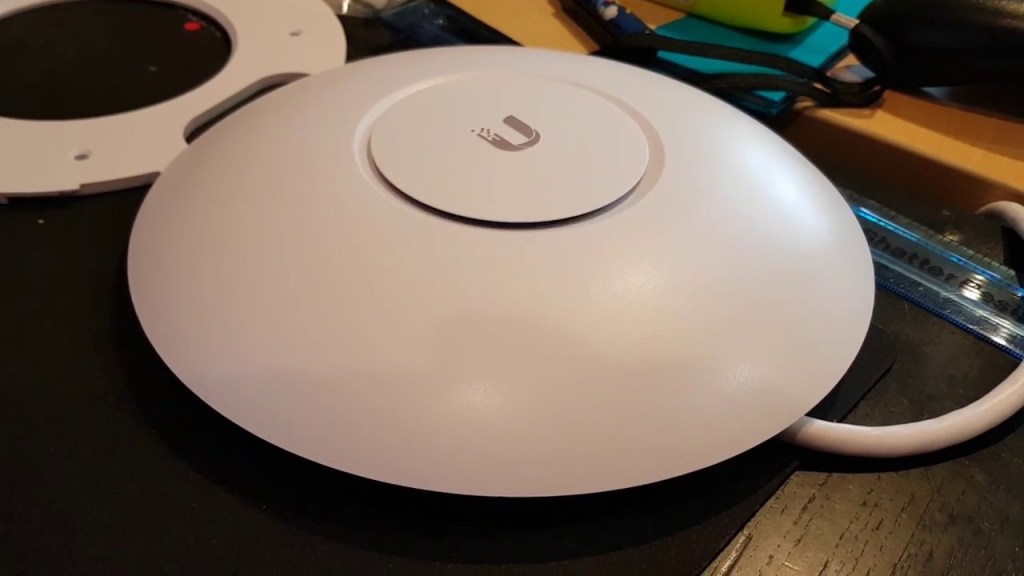
Access Points are devices that allow you to extend the range of your wireless network. They can be used to provide wireless coverage to areas of your home that are too far away from your router or where the signal is blocked or weakened by walls, doors, or other obstacles. In contrast to wireless routers, which typically have a limited coverage range, APs can provide extended coverage for a large area, making them ideal for larger homes, offices, or buildings.
If you need an access point for your home lab environment, there are several factors to consider. Such as the coverage area you need, wireless standard, and features such as guest network capabilities and advances security features such as MAC address filtering.
Modems
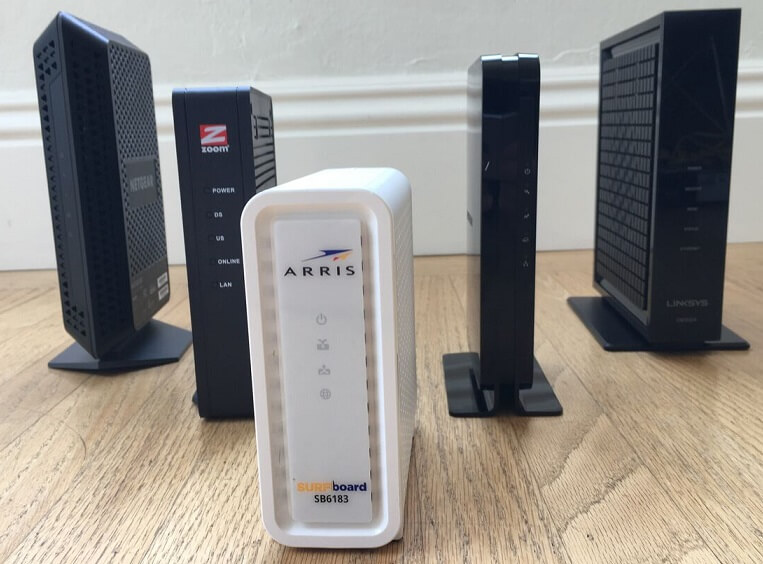
Modems can be an essential component of a home lab setup as they allow you to connect your lab to the external Internet. A modem is a device that translates the digital signals from your Internet Service Provider (ISP) into a format that your Internet-capable devices can understand. There are two main types of modems: Cable modems and DSL modems.
- Cable Modems are used with cable internet service, which is delivered to your home through a cable TV infrastructure. The modem connects to the cable TV line and provides an Ethernet interface that you can connect to a router or directly to a computer. Cable modems are typically faster than DSL modems and can provide higher data transfer rates.
- DSL Modems are used with DSL internet service, which is delivered to your home through your telephone line. The modem connects to your phone line and provides an Ethernet interface that you can connect to a router or directly to a computer. DSL modems are typically slower than cable modems, but they are more widely available and can be a good option if you live in an area where cable internet is not available.
Wrapping Up
Networks are an essential component of any IT infrastructure, and the equipment used to build and maintain them is diverse and complex. In this post, we’ve covered the most common types of network equipment, including routers, switches, access points, modems, and storage devices. We’ve also looked at the different subcategories within each type of equipment and discussed the key features and use cases for each one. Whether you’re a home lab hobbyist, a small business owner, or a large corporation, understanding the different network equipment options and how they work together can help you build a more efficient and reliable network. With the right combination of equipment, you can create a network that meets your specific needs and supports your goals for growth and innovation.

About the blog
Home Lab Mentor is dedicated to educating individuals of all skill levels in various IT projects with a focus on home labs.
Newsletter
Subscribe to the email newsletter to gain updates on new posts and projects.
 Home Lab Mentor